
Using the Color Checker Passport to make Camera Profiles
/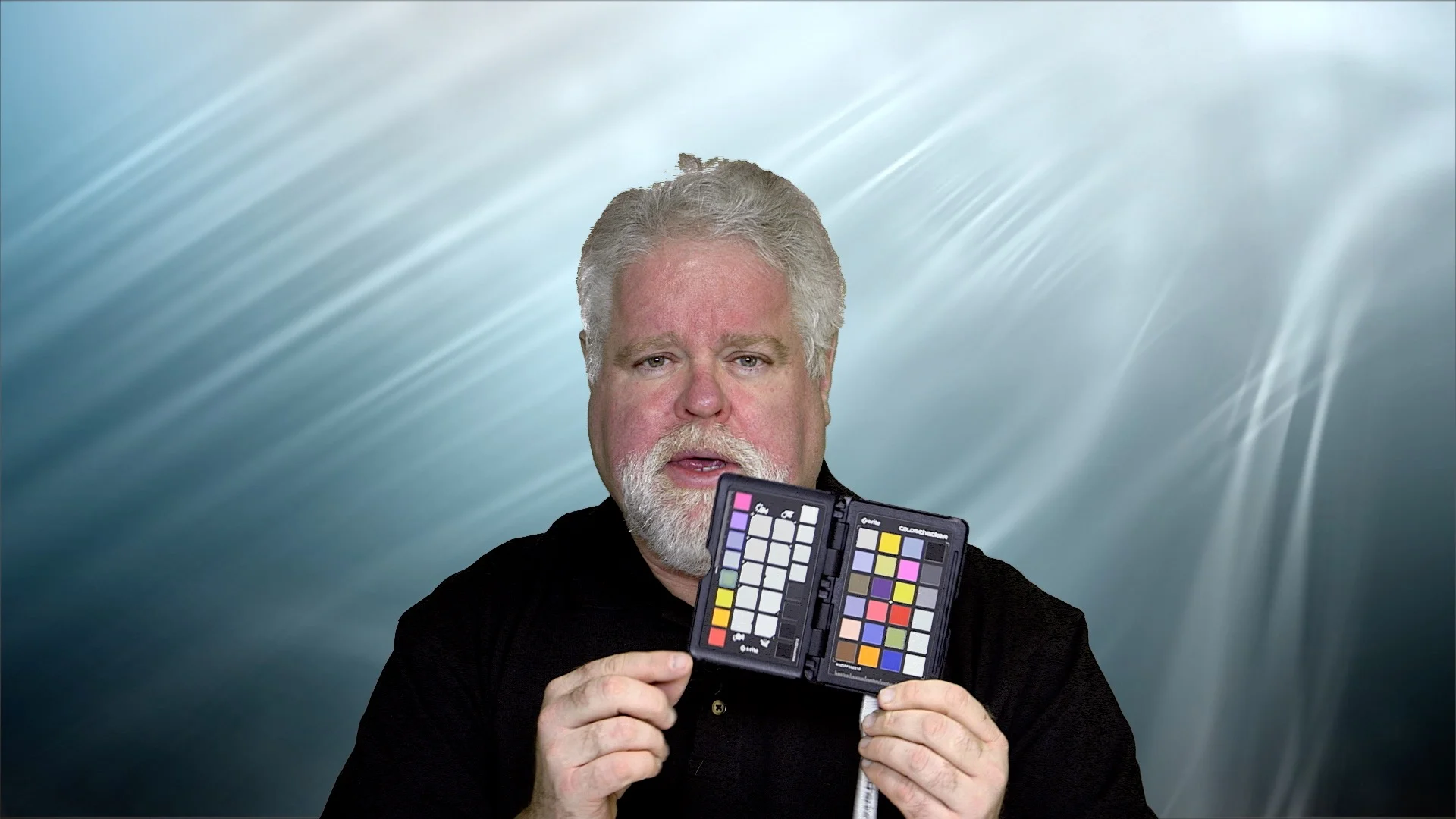
Here's a quick video on the XRite Color Checker Passport explaining why you should use one and how to make camera profiles with it.
Read MoreWelcome to The Photo Video Guy. I share training, ideas, opinions and tips to help you make better photographs and videos.
Have questions? Excellent! Please click this link to fill out the simple form to submit a question
Here's a quick video on the XRite Color Checker Passport explaining why you should use one and how to make camera profiles with it.
Read MoreRegular readers know that I am sometimes overly cautious about HDR. It can be a highly subjective effort in terms of outcome and drives a wide range of responses. I don't personally subscribe to the "HDR Must Die" school of thought, but I personally prefer more realistic uses of dynamic range extension over the glow in the dark nuclear waste look that some folks love. The outcome is your art, how you get there determines the ease, flexibility and customization available to you as you make your art. I wasn't blown away to hear of another HDR software tool but I have been very pleased with everything I have used from the folks at Macphun so gave them the benefit of the doubt. I did so because they write excellent software, limited only by its availability only on the Macintosh. The acclaimed photographer, Trey Ratcliff, was heavily involved in the development, and that in itself will draw many buyers. What really matters is how incredibly good this product is!
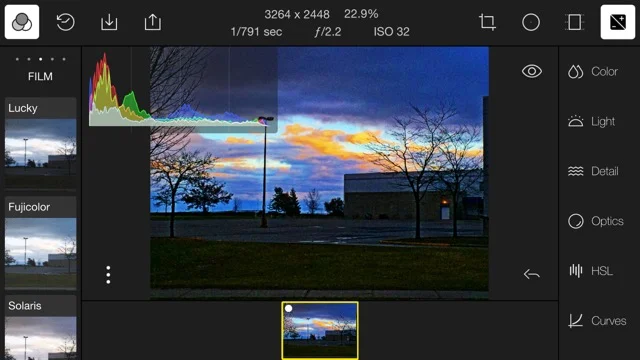
Read MoreEditing images on your smartphone or your tablet doesn't have to be limited to picking from a limited group of presets that make your work look just like everybody else's work. It also doesn't have to be ugly or limited in functionality. How can I say this? Because I use Polarr!
Read MorePhotographers everywhere place the words HDR and the photographer Trey Ratcliff in the same wheelhouse, because Trey's work is synonymous with HDR. Coming November 19, 2015 is a brand new application from the great people at Macphun called Aurora HDR and it was built in conjunction with Mr. HDR himself, Trey Ratcliff.
Read MoreOne of the banes of digital photographers who have to change lenses in less than ideal field conditions is the potential to collect dust on the sensor. This dust turns to dark spots on your image and if you have a lot of images shot at the same time, you have a lot of spots to deal with.
In this tip, I'm going to show you a tip using a basic Lightroom function to find and clean spots on a single image and then remove the same spots in all the images shot at that event.
Read MoreON1 will ship Photo 10 at the end of October 2015. I'm one of the folks that has been asked for early release reviews and information sharing so this is the first of a series of posts on what you can expect starting with the Browse module
Read MoreI've been an Adobe Lightroom customer since the first release. Every release since then has been evolutionary, some stronger and richer than others but steps forward. Having spent a large part of my professional life in software, I became nervous when Adobe adopted a subscription delivery model, and I fear that very model is what is hurting Lightroom today.
Read MoreThe good folks at ON1 have announced the October availability of their new software suite called PHOTO 10. It's an update to the current Perfect Photo Suite 9.5 that boasts much faster performance and increased functionality. You can preorder by clicking on the graphic above or the one in the sidebar. There are some cool bonuses for those who preorder including getting the complete Perfect Photo Suite 9.5 to use while you wait for PHOTO 10.
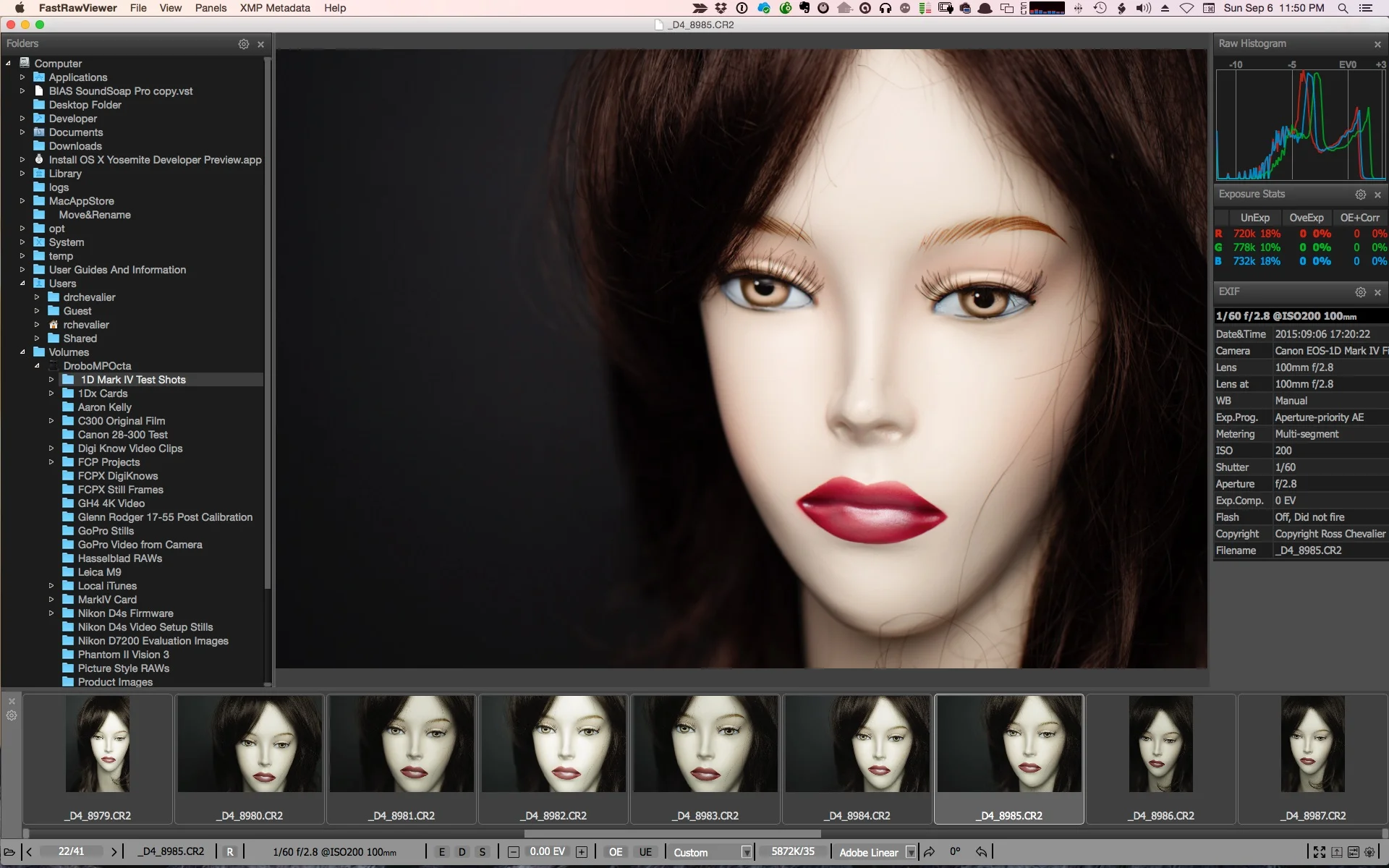
Read MoreHow many times have you heard that Lightroom is a great tool except that its RAW rendering is glacially slow, and it takes a long time to import files only to go through the culling process and end up discarding the ones you don't like and that didn't work out. For the last few years, I have been using Photo Mechanic to do the fast view and cull process. I'm hardly getting the full benefit of that amazing software but it does this particular job with speed and power. Not everyone is willing to pay the price for Photo Mechanic though and I am asked very frequently for an alternative. I couldn't recommend one until now.
Read MoreI recently taught an Introductory workshop for Photoshop on Layers and Masks. While most of the attendees found the workshop very useful, the general consensus was that making selections for masking would take a lot of practice and that while Photoshop does a good job, the user interface can be complicated and some of the tools cumbersome. I tend to use a third party tool for this myself and was reminded of its efficacy by a webinar delivered by my fellow educator #BlakeRudis. The tool I advocate is called Remask and until recently was available only as a plugin for editing applications from the folks at Topaz Labs. That changed with the recent update to Remask 5.
Read MoreWhat? Am I serious? Isn't Lightroom the most awesomest bestest photo application on the planet? For some people yes, but for others it's a bad trip. Let's take a look at both sides and you can decide if Lightroom is right for you.
Read MoreMore and more, I encounter photographers who want to work while mobile, before they get a chance to get back to the "main" computer and import the images into Lightroom. They want to upload to a laptop daily, do some edits, may be even post some work, but not have to duplicate everything when they get back home nor have multiple catalogs and try to remember where everything is and which version is current.
Read MoreWhen Lightroom CC/6 debuted, one of the most talked about features was the Merge to HDR. It's pretty cool to be sure, but there were a number of sites that made statements that it was just like the 32 Bit Merge to HDR in Photoshop.
Read MoreWhenever new software comes out there's a rush followed by consternation about whether the upgrade is worth doing. As a Lightroom instructor of some vintage, I thought it might be worthwhile to get my thoughts down on the subject for readers of the site.
Read MoreOnOne, the well respected independent software provider of tools for photographers has released an updated version of their complete suite of such tools. The Perfect Photo Suite 9.5 brings a series of integrated photo editing and manipulation tools into a single package.
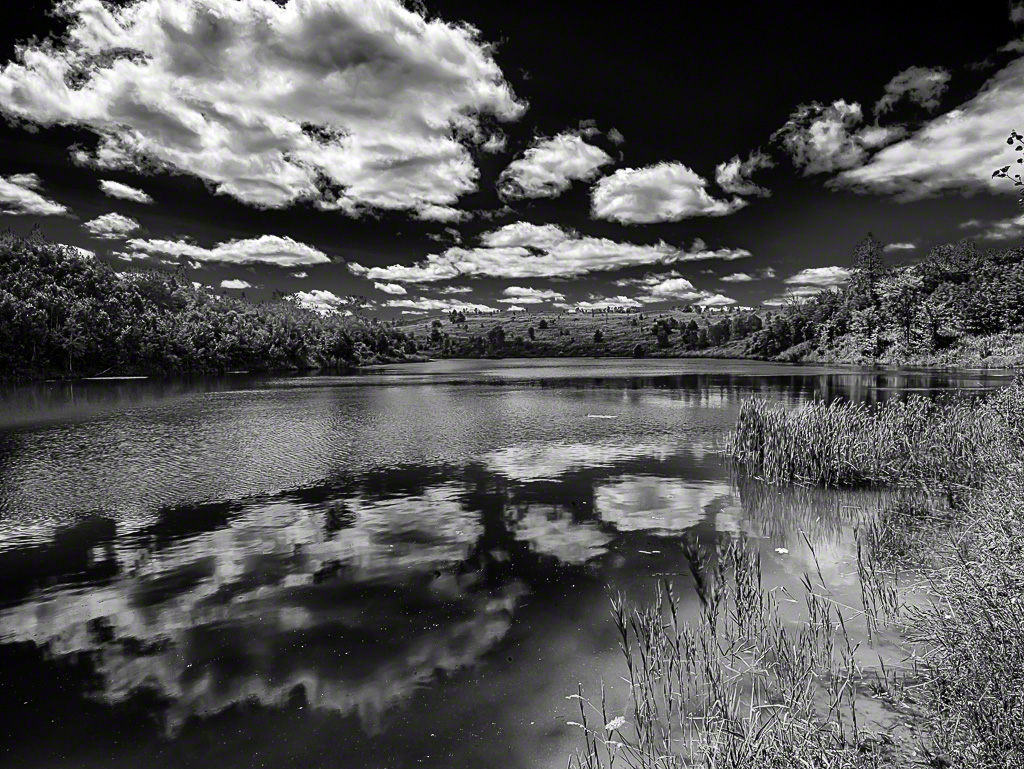
Read MoreLast year I started following this photographer from Glasgow by name of John G Moore. I like his work. In addition to his work with people, he does some fabulous landscape work and he tends to post these as black and white images. Since then, we've communicated back and forth and I am unabashedly giving my friend John's Lightroom Presets a push to my readers. There are 30 BW presets in the kit, it sells for nine pounds ninety nine via PayPal and the stuff is great. John recommends you do all your edits before applying the presets, and you can of course still tweak after that if so inclined. It's Lightroom after all.
If you like making black and white images, and want to accelerate your work with excellent presets head over to John's website and purchase the package. Here's an example of an image of Kettle Lake near Caledon Ontario using John's Anselmo-2 preset.
It happened again this week. A former student sent me an email, "I should give up or get a different camera. Everything looked great on the LCD but when I got the pictures into Lightroom they weren't tack sharp. I don't know what I am doing wrong and it's making me depressed." We've all been there. Let's look at getting to a happier place.
Read MoreI have to start this post with a "thank-you" to Mr. Thomas Stirr who writes for the most excellent Photography Life website. Thomas recently posted his experiences using a function in DXO Optics 10 called Clearview. I seriously kicked myself. You see, I have hundreds of photos shot on September 1st from a helicopter and on top of a cliffside at the Grand Canyon.
Read MoreI thought I would do a short video on how to use the dodge and burn tools in Photoshop CC. For the video I work on a portrait, but the methodology works for any subject. [vimeo clip_id=115132191 width=500 height=281]
If you bought Snapselect on the App Store after reading the initial and followup Quick Looks, be advised that V1.1 is out. Your Mac may not be set to auto update and if not, you definitely want this update in your machine. As they promised, the folks at Macphun have improved the user interface, particularly to help serious photographers and editors who want to use Snapselect in conjunction with Lightroom or Aperture. If you have not bought it yet, today might be the day. Do note that like all Macphun software, it is Mac only. I ran into some snags getting it to see images inside folders inside my existing Lightroom catalog, but getting to images in folders or on a card was no problem at all. I was able to read folders from my Lightroom catalog with a different set of images. So the issue could have been something to do with the first set being images from a Canon EOS-M. You can also browse by Collection, a tool that I use all the time, but be aware that with this release Snapselect can only deal with top level collections, not collections stored inside Collection Sets. While I find this inconvenient, I think it is fair to recall that Snapselect is designed to cull before you go through the whole import and collection building process.
I am not sure which RAW converter Snapselect is using, I suspect it may be the OS X native one. What I found interesting is that Snapselect was able to open folders and browse images including EXIF and histogram for Hasselblad's proprietary 3FR RAW format. Photo Mechanic cannot do that and neither can the DXO tools.
Loading of an example folder of 500+ images took just over one minute, including the analysis phase. The "similar" function is very effective. I used a folder from a recent hockey game shoot and was very impressed by how the software gathered like images together as there were numerous burst mode sets of breakaways or glove saves. The timeline view shows the images as they were captured, but as I noted in the third 7D Mk II review, the save sequence with the SD card looks like last frame in the burst first, instead of first to last.
It's also handy to be able to group shots into time intervals. I used the default example of 5 minute blocks and it really simplifies the edit process. You only need to know two keys Z is a pick, X is a reject. This is very quick but inconsistent with the Lightroom Pick/Reject keyset. I don't see these as reassignable at this point.
While there are other options such as a the much richer and much more expensive Photo Mechanic, Snapselect could very well be the culling program for the majority. It is fast, easy to use and benefits from the talents of the Macphun developers. If you shoot more than 100 images in a session, you need a culling tool and at $25, this is perfect, but buy it while it is on sale for $14.99 and you really cannot lose.


The site of The Photo Video Guy featuring articles, reviews, tutorials and a podcast for your enjoyment and skills development.
If you get value from here, please support the channel on Patreon. Once there, click Membership
Looking for something in particular? Search all the posts for the content you are seeking!
Have a question on photography or video? Click this link to send us your question.
Subscribe to our articles via RSS by clicking the link below.
Subscribe to the Make Better Photos and Video Podcast via RSS by clicking this link


Regular readers know that I am a big fan of Really Right Stuff products. Their customer service is superb. If you choose to purchase from them at their site, please let them know that I referred you.
The Photo Video Guy is the creation of Ross Chevalier. Please feel free to link to your site, but please don't lift content without attribution.