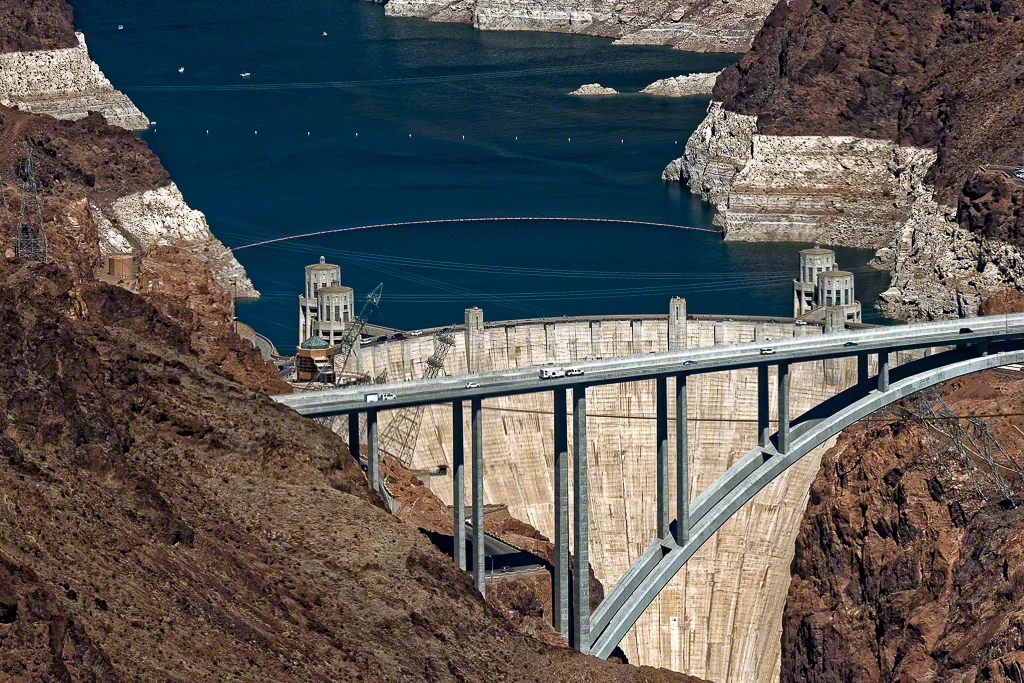
AuroraHDR is now shipping and holy moley it's awesome

AuroraHDR is now shipping and holy moley it's awesome

Regular readers know that I am sometimes overly cautious about HDR. It can be a highly subjective effort in terms of outcome and drives a wide range of responses.  I don't personally subscribe to the "HDR Must Die" school of thought, but I personally prefer more realistic uses of dynamic range extension over the glow in the dark nuclear waste look that some folks love.  The outcome is your art, how you get there determines the ease, flexibility and customization available to you as you make your art.  I wasn't blown away to hear of another HDR software tool but I have been very pleased with everything I have used from the folks at Macphun so gave them the benefit of the doubt.  I did so because they write excellent software, limited only by its availability only on the Macintosh.  The acclaimed photographer, Trey Ratcliff, was heavily involved in the development, and that in itself will draw many buyers.  What really matters is how incredibly good this product is!

Read More

Polarr - The BEST Photo Editor for your tablet and smartphone - and anything with a web browser!

Polarr - The BEST Photo Editor for your tablet and smartphone - and anything with a web browser!

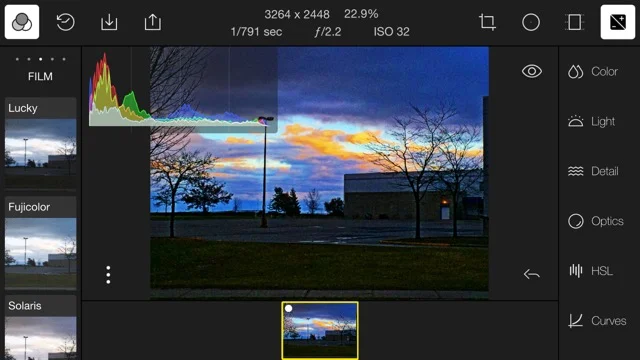
Editing images on your smartphone or your tablet doesn't have to be limited to picking from a limited group of presets that make your work look just like everybody else's work.  It also doesn't have to be ugly or limited in functionality.  How can I say this?  Because I use Polarr!

Read More

New from the folks at Macphun - Aurora HDR developed with Trey Ratcliff

New from the folks at Macphun - Aurora HDR developed with Trey Ratcliff

Photographers everywhere place the words HDR and the photographer Trey Ratcliff in the same wheelhouse, because Trey's work is synonymous with HDR.  Coming November 19, 2015 is a brand new application from the great people at Macphun called Aurora HDR and it was built in conjunction with Mr. HDR himself, Trey Ratcliff.

Read More

Lightroom Tip - Dealing with Sensor Dust Spots

Lightroom Tip - Dealing with Sensor Dust Spots

One of the banes of digital photographers who have to change lenses in less than ideal field conditions is the potential to collect dust on the sensor.  This dust turns to dark spots on your image and if you have a lot of images shot at the same time, you have a lot of spots to deal with.

In this tip, I'm going to show you a tip using a basic Lightroom function to find and clean spots on a single image and then remove the same spots in all the images shot at that event.

Read More

An Open Letter to the Adobe Lightroom Team

An Open Letter to the Adobe Lightroom Team

I've been an Adobe Lightroom customer since the first release.  Every release since then has been evolutionary, some stronger and richer than others but steps forward.  Having spent a large part of my professional life in software, I became nervous when Adobe adopted a subscription delivery model, and I fear that very model is what is hurting Lightroom today.

Read More

ON1 PHOTO 10 is Announced!

ON1 PHOTO 10 is Announced!

The good folks at ON1 have announced the October availability of their new software suite called PHOTO 10.  It's an update to the current Perfect Photo Suite 9.5 that boasts much faster performance and increased functionality.  You can preorder by clicking on the graphic above or the one in the sidebar.  There are some cool bonuses for those who preorder including getting the complete Perfect Photo Suite 9.5 to use while you wait for PHOTO 10.

Read More

A Fast and Powerful RAW Viewer

A Fast and Powerful RAW Viewer

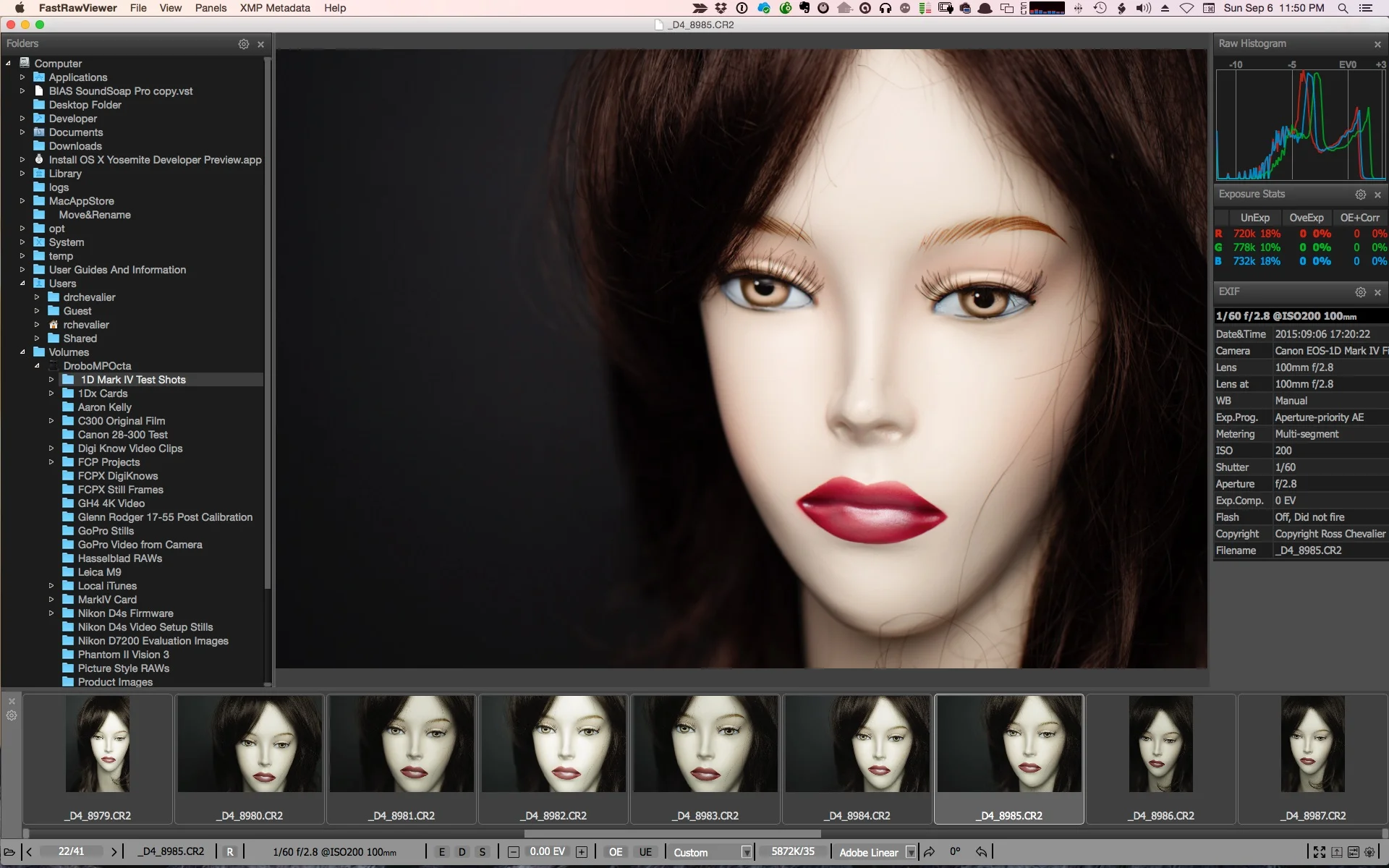
How many times have you heard that Lightroom is a great tool except that its RAW rendering is glacially slow, and it takes a long time to import files only to go through the culling process and end up discarding the ones you don't like and that didn't work out.  For the last few years, I have been using Photo Mechanic to do the fast view and cull process.  I'm hardly getting the full benefit of that amazing software but it does this particular job with speed and power.  Not everyone is willing to pay the price for Photo Mechanic though and I am asked very frequently for an alternative.  I couldn't recommend one until now.

Read More

A Superior Tool for Cutting Masks

I recently taught an Introductory workshop for Photoshop on Layers and Masks.  While most of the attendees found the workshop very useful, the general consensus was that making selections for masking would take a lot of practice and that while Photoshop does a good job, the user interface can be complicated and some of the tools cumbersome.  I tend to use a third party tool for this myself and was reminded of its efficacy by a webinar delivered by my fellow educator #BlakeRudis.  The tool I advocate is called Remask and until recently was available only as a plugin for editing applications from the folks at Topaz Labs.  That changed with the recent update to Remask 5.

Read More

TUTORIAL : Merging Catalogs in Lightroom - From Laptop to Desktop

TUTORIAL : Merging Catalogs in Lightroom - From Laptop to Desktop

More and more, I encounter photographers who want to work while mobile, before they get a chance to get back to the "main" computer and import the images into Lightroom.  They want to upload to a laptop daily, do some edits, may be even post some work, but not have to duplicate everything when they get back home nor have multiple catalogs and try to remember where everything is and which version is current.

Read More

Unabashed Plug - John G Moore B&W Lightroom Presets

Last year I started following this photographer from Glasgow by name of John G Moore.  I like his work.  In addition to his work with people, he does some fabulous landscape work and he tends to post these as black and white images. Since then, we've communicated back and forth and I am unabashedly giving my friend John's Lightroom Presets a push to my readers.  There are 30 BW presets in the kit, it sells for nine pounds ninety nine via PayPal and the stuff is great.  John recommends you do all your edits before applying the presets, and you can of course still tweak after that if so inclined.  It's Lightroom after all.

If you like making black and white images, and want to accelerate your work with excellent presets head over to John's website and purchase the package.  Here's an example of an image of Kettle Lake near Caledon Ontario using John's Anselmo-2 preset.
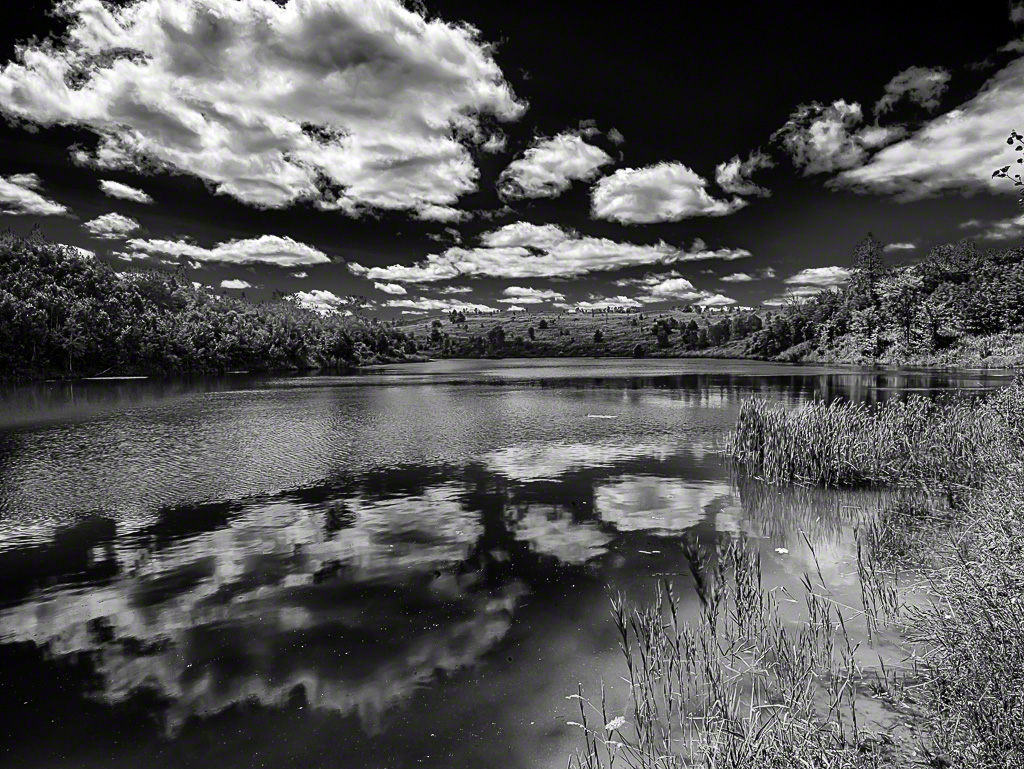
Kettle Lake JGM Anselmo 2

But It Looked Great on the Camera LCD...

But It Looked Great on the Camera LCD...

It happened again this week.  A former student sent me an email, "I should give up or get a different camera.  Everything looked great on the LCD but when I got the pictures into Lightroom they weren't tack sharp.  I don't know what I am doing wrong and it's making me depressed." We've all been there.  Let's look at getting to a happier place.

Read More

DXO Smart Lighting and Clearview - you probably need these tools

DXO Smart Lighting and Clearview - you probably need these tools

I have to start this post with a "thank-you" to Mr. Thomas Stirr who writes for the most excellent Photography Life website.  Thomas recently posted his experiences using a function in DXO Optics 10 called Clearview.  I seriously kicked myself.  You see, I have hundreds of photos shot on September 1st from a helicopter and on top of a cliffside at the Grand Canyon.

Read More