Using Tethering For A Successful Shoot

Using Tethering For A Successful Shoot

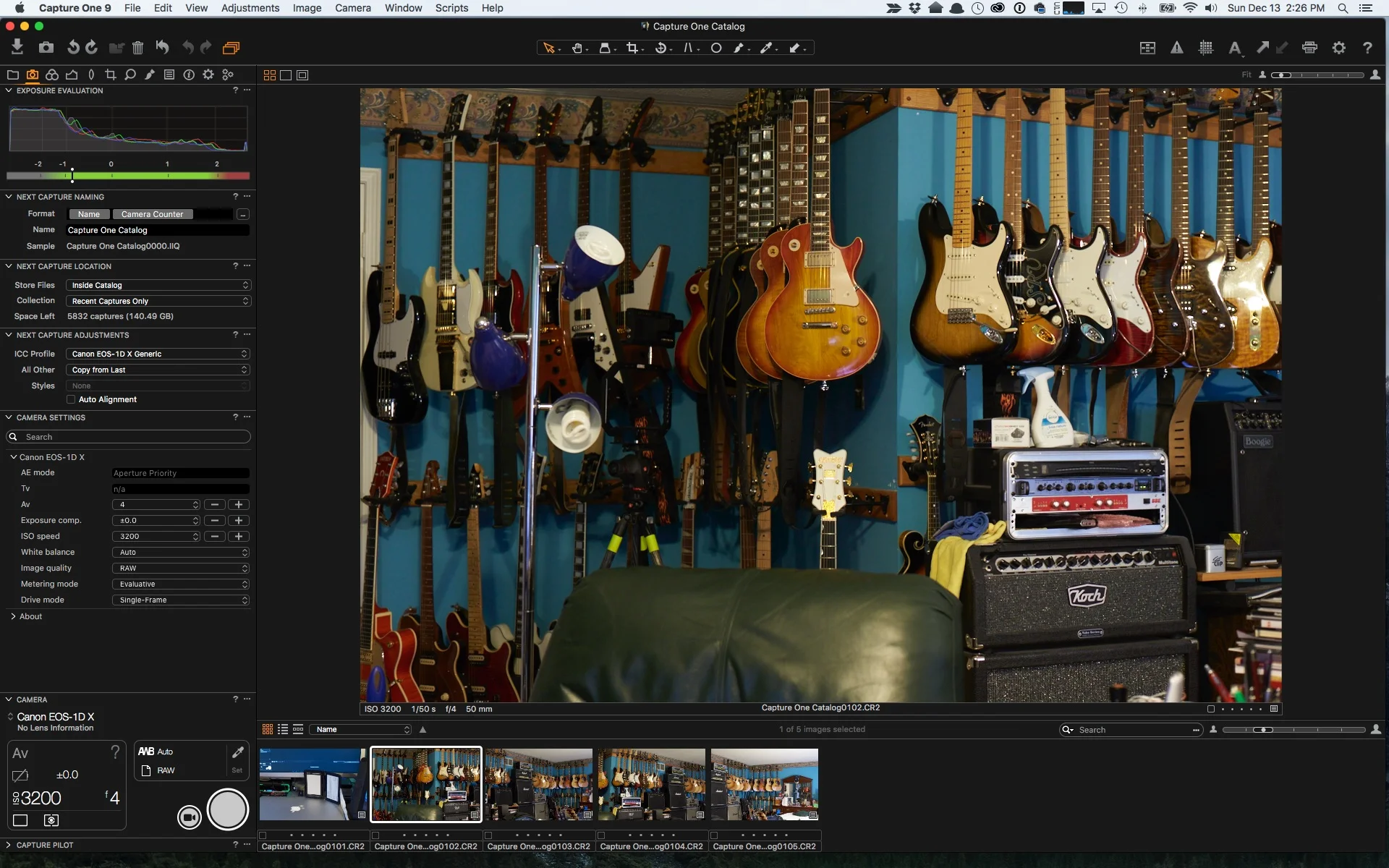
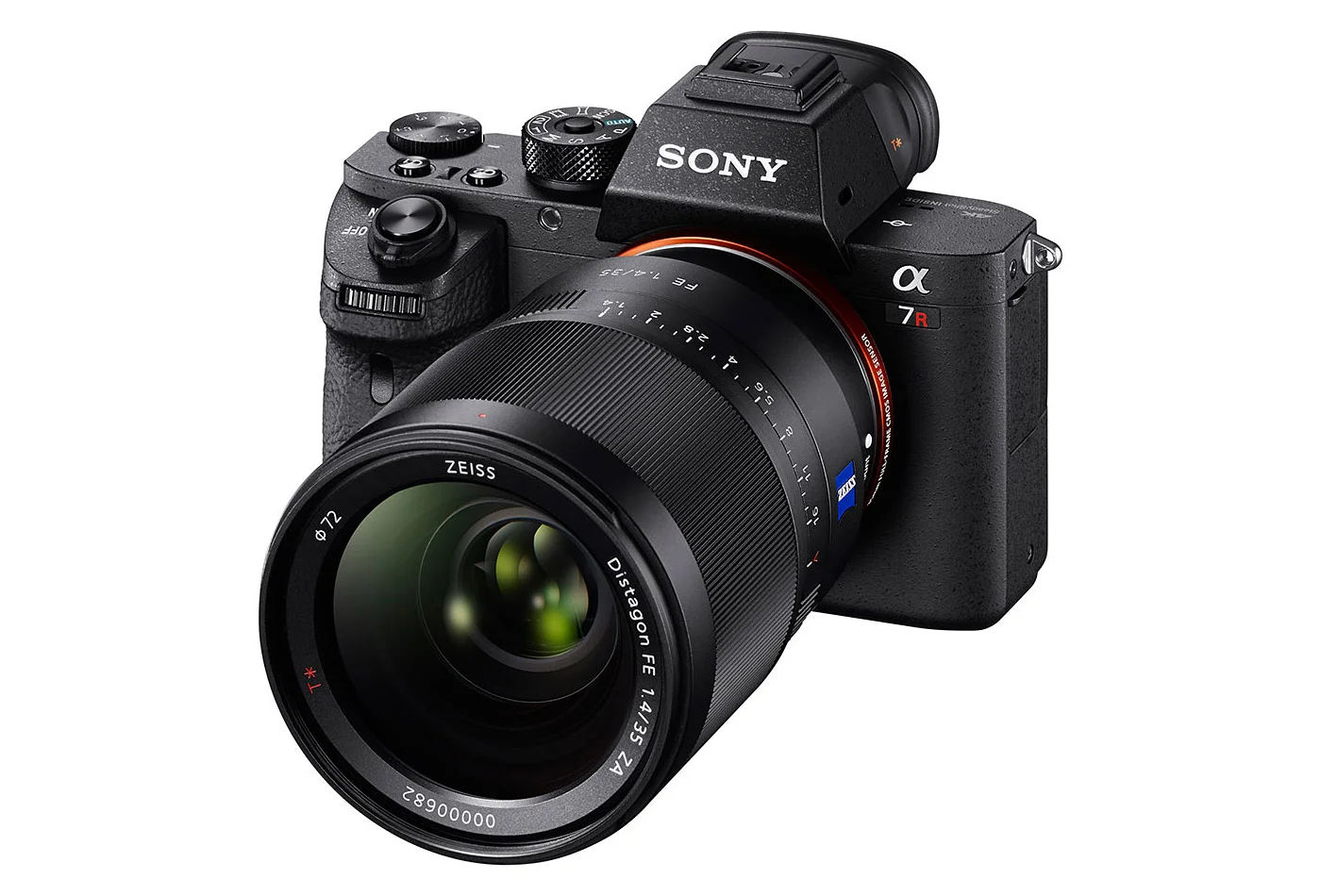
When you're working to a deadline, or with a client who needs to see the work quickly, tethering is a huge asset.  No one is scrambling over a miniscule image on the camera, you aren't looking at some JPEG rendition, you see the converted RAW on a large screen in real time.  Fortunately, most cameras can be tethered.  Let's look at some options to make that work.

Read More
A 12 Step Program : You Got a New Camera For Christmas! Now What?

A 12 Step Program : You Got a New Camera For Christmas!  Now What?

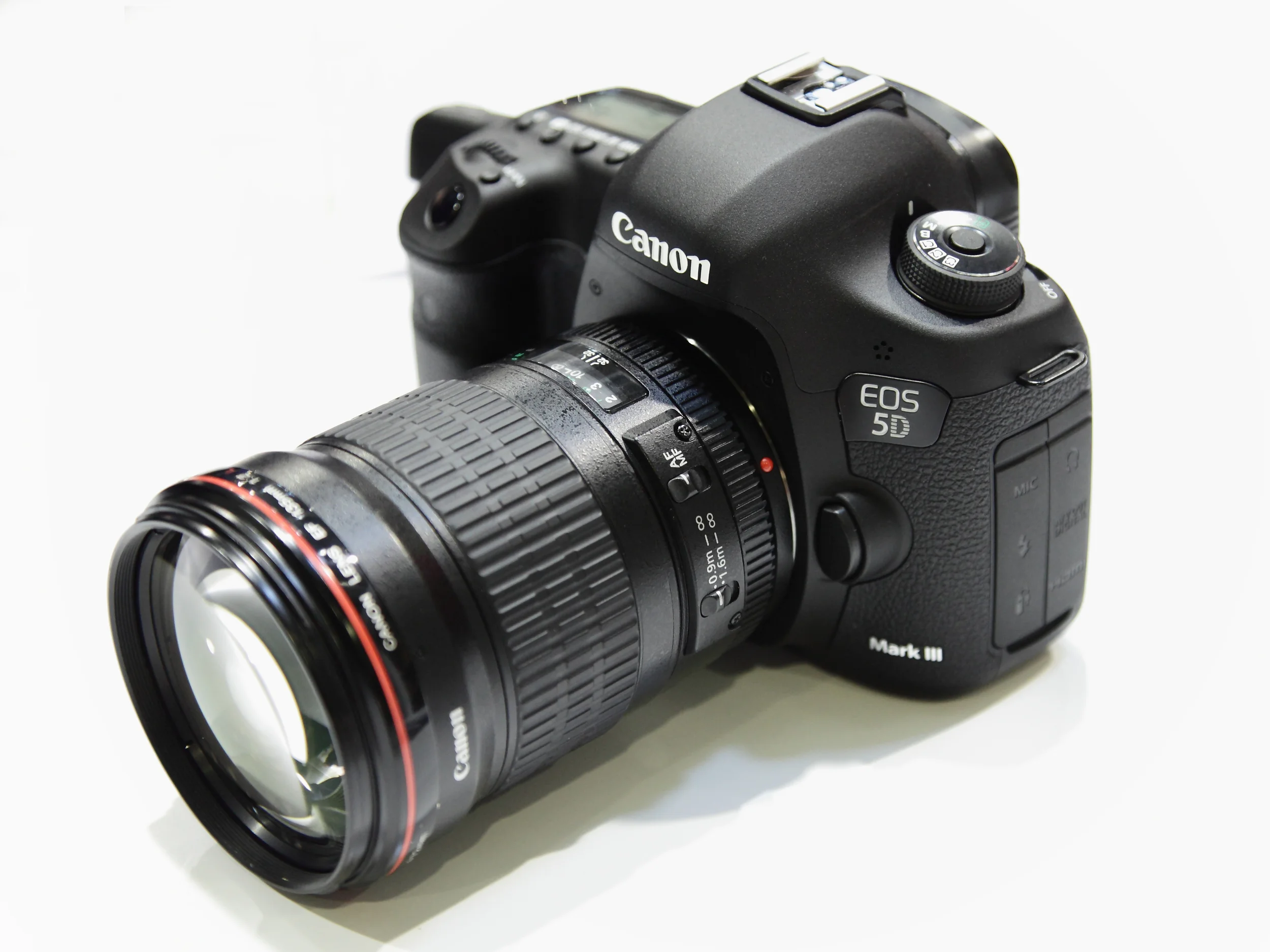
Hooray!  You received a new camera for Christmas!  Or you went out on Boxing Day and got yourself a new camera.  Good for you!  But now you have a box of stuff, you want to get started and aren't exactly sure where to start.  You want to be making photographs, RIGHT FREAKING NOW, but are concerned about what could go wrong, what got missed, and what you forgot.  Relax, I'm here to help!

Read More

Focal Length Comparisons

Focal Length Comparisons

Let's say you are out shopping for Boxing Day, or are so crazy to be shopping today (the 24th) and just aren't quite sure which focal length prime or zoom range to choose.  I was out doing some test work with Nikon's new 200mm-500mm today (more on that in it's own review) and put together this simple sequence to give you a sense of what different focal lengths will deliver with the same camera position.

Read More

The Podcast Will Return! 2016 will bring new topics and guests!

The Podcast Will Return!  2016 will bring new topics and guests!

I am very pleased to let folks know that the podcast model will return in 2016.  It's going to be different from what I did years ago as there are more than enough newsfeeds in the photo and video marketplace and people don't really need another one.  

This round, the audio podcast will focus on tips, tricks, problem solving and simple how tos that can be conveyed in audio format.  I will also talk briefly about new gear I've seen and tried, while full reviews will appear as articles on the site.

Read More

Stop Apple Photos from Auto-Launching

Stop Apple Photos from Auto-Launching

Look, I get it.  Apple wants users to find it really easy to access images on memory cards from their cameras.  Maybe the average user only has one card.  Not I, he said, I have many and use them in different cameras, and always reformat each time I install one, so Photos ALWAYS thinks every card is brand new.  The mode to stop the auto-launch has been to try to tell Photos not to launch for each card individually.  Which only works so long as the card does not get reformatted.  This is, a pile of crap, considering it used to be possible to tell the Image Capture function to never auto-launch.  There are dozens of posts on Apple Support Communities since the inception of Photos and Apple has done NOTHING.  I however, have an answer that works.

Read More

Safari and Squarespace Not Working Well Together

Safari and Squarespace Not Working Well Together

As many of you know, Squarespace is my platform of choice for web hosting and I typically use Safari as my default browser on all my Macs.  Apple has continually enhanced Safari, and while they have a Safari Dev channel, sometimes other developers cannot always keep up, or a change is not clearly documented and this causes problems, hence the current issue between Safari and Squarespace.

Read More

Correct Microshake in your Images with Piccure+ (DEMO)

Correct Microshake in your Images with Piccure+ (DEMO)

I've written in the past about using Piccure+ to correct microshake and to correct for lens aberrations, two services it does wonderfully.  I was recently finalizing some images of some High School football game shots to share with the coach when I discovered on zooming in that some of my selects weren't quite as clear as I had thought in the initial culling process.  Sometimes, in excitement we might stab the shutter rather than squeezing, or even with the great tools in image stabilization be pushing things a bit in terms of focal length, shutter speed, physical location and weather effects.

Read More

REVIEW : The Olympus OM-D E-M5 Mark II - Power in your Hands

REVIEW : The Olympus OM-D E-M5 Mark II - Power in your Hands

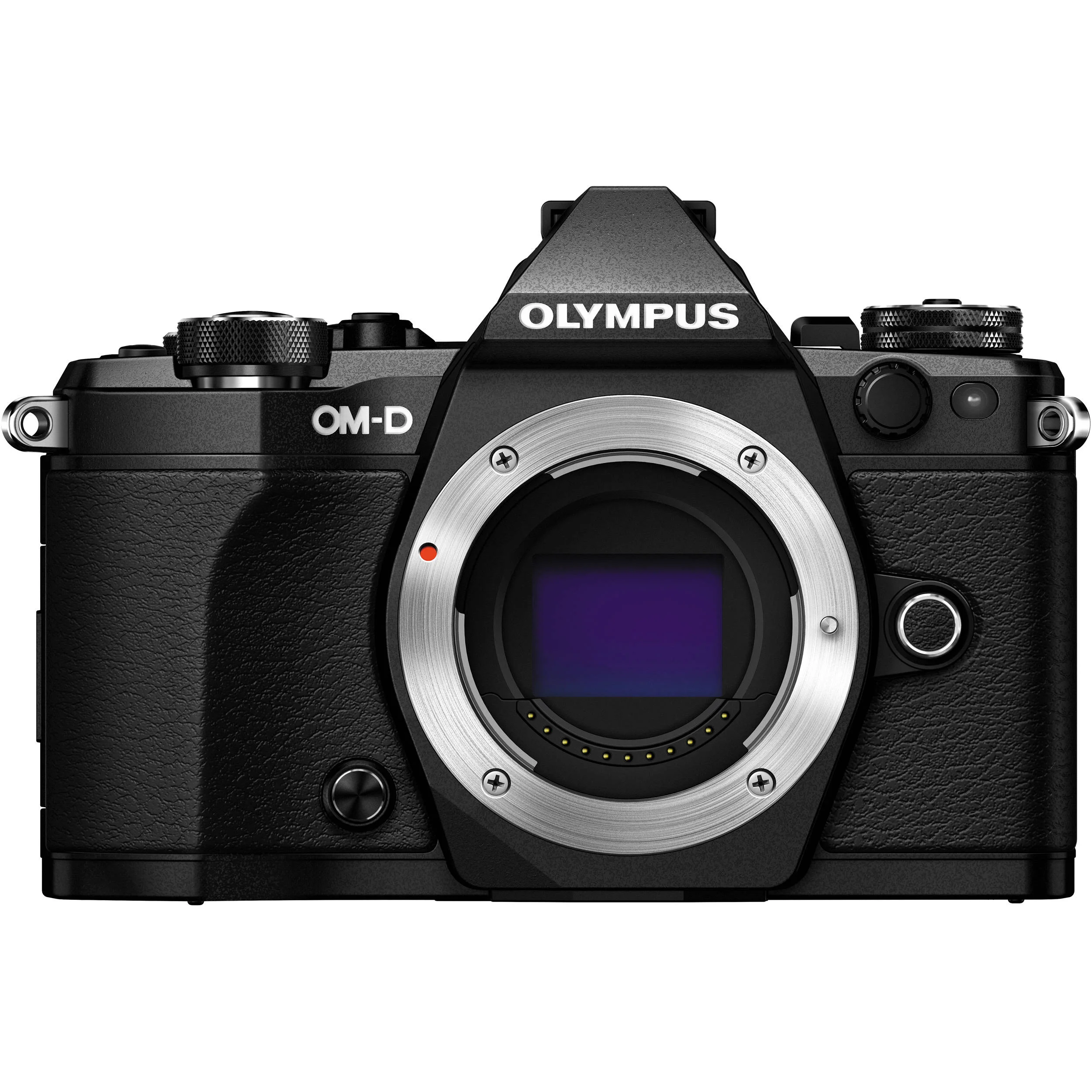
Photographers are always looking for advantage, being it in sensor power, lens reach or scope and very often weight and size reduction.  When Olympus released their OM-D E-M5, they really shook up the competition.  The camera was fast, easy to handle and extremely usable.  They followed up with the E-M1 and then the E-M10.  Recently, Olympus released the second iteration of the E-M5 called the E-M5 Mark II and the good folks at Olympus sent me one to review, along with a pair of lenses, the 45/1.8 and 12/2.0.  It's a very impressive camera and I wanted to share my findings with all of you. 

Read More

Making Great Photographic Prints

Making Great Photographic Prints

On Saturday November 20th 2015 I was invited by Henry's Newmarket to deliver a seminar on the theory and practice to make great photographic prints, whether you print yourself or prepare your images to be handled by a lab.  I've done this video for those who wanted a reference and for those who could not attend.

Read More

First Look : The Leica SL

First Look : The Leica SL

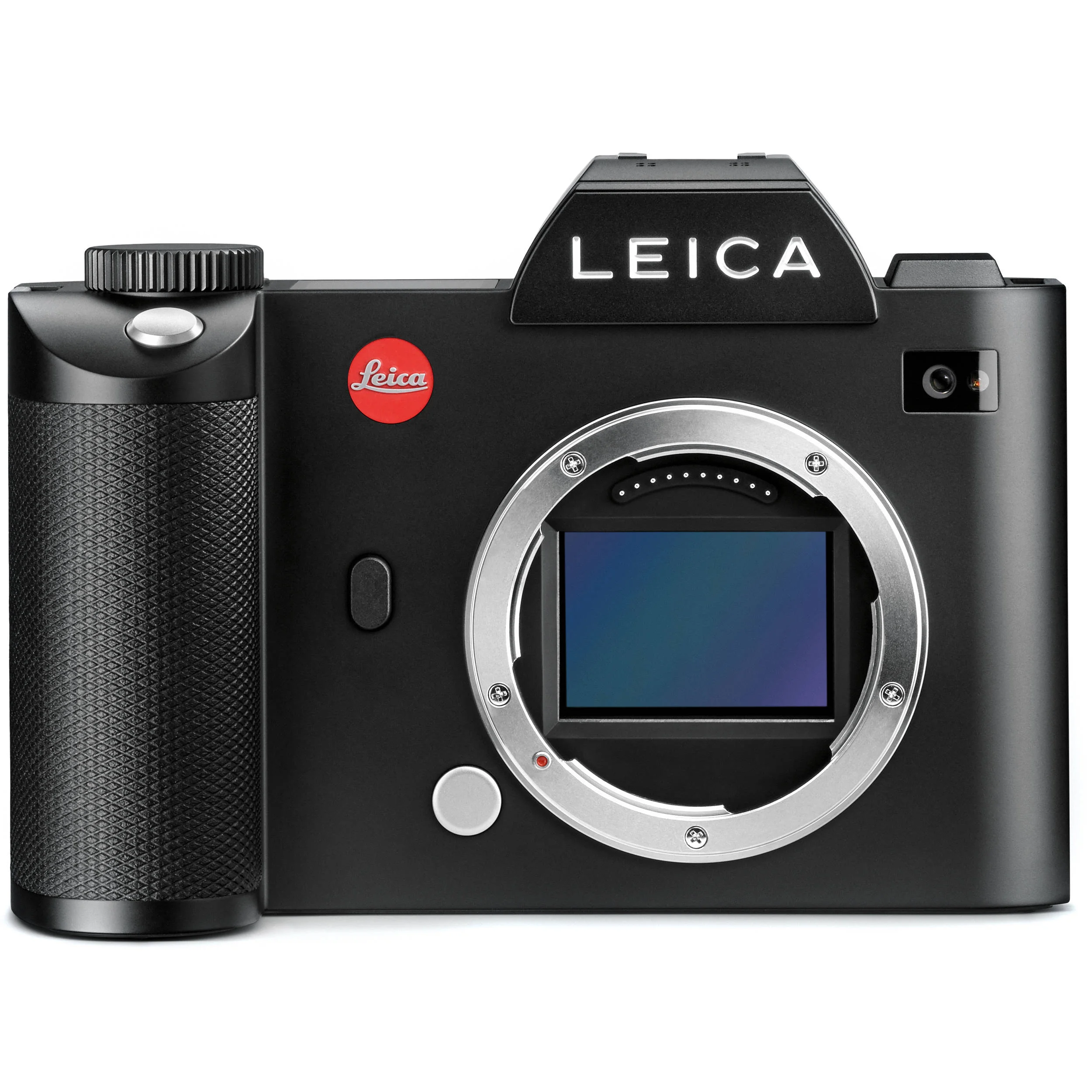
Regular readers know that I've looked at a lot of mirrorless cameras, always looking to see if this is a space to expand into.  I've liked many of them, and hoped for more from others.  I guess I'm already a mirrorless user, as I've been shooting Leicas for many years, starting with film, then a substantial gap in time to the M9 and now the M (240).  They are wonderful cameras but different from the "standard" mirrorless in that they are manual focus rangefinders.  The SL however, is something very different indeed.

Read More

Installing Drivers When the Manufacturer's Installer is Crapware

Installing Drivers When the Manufacturer's Installer is Crapware

I have a shoot coming up where I need to provide 4x6 prints to the client's guests nearly immediately after making the photographs so they can take the photo with them that evening.  Research led me to the Canon CP100 printer, a dye sublimation system that puts paper and dye sub film into a single box.  My MacBook Pro runs El Capitan, the current shipping operating system from Apple.  As I have found in the past, Canon's installer is OS version specific, even when it makes no sense to do so.  I would be stuck, except for Pacifist.

Read More

Screen Calibration - Mandatory for Serious Editing

Screen Calibration - Mandatory for Serious Editing

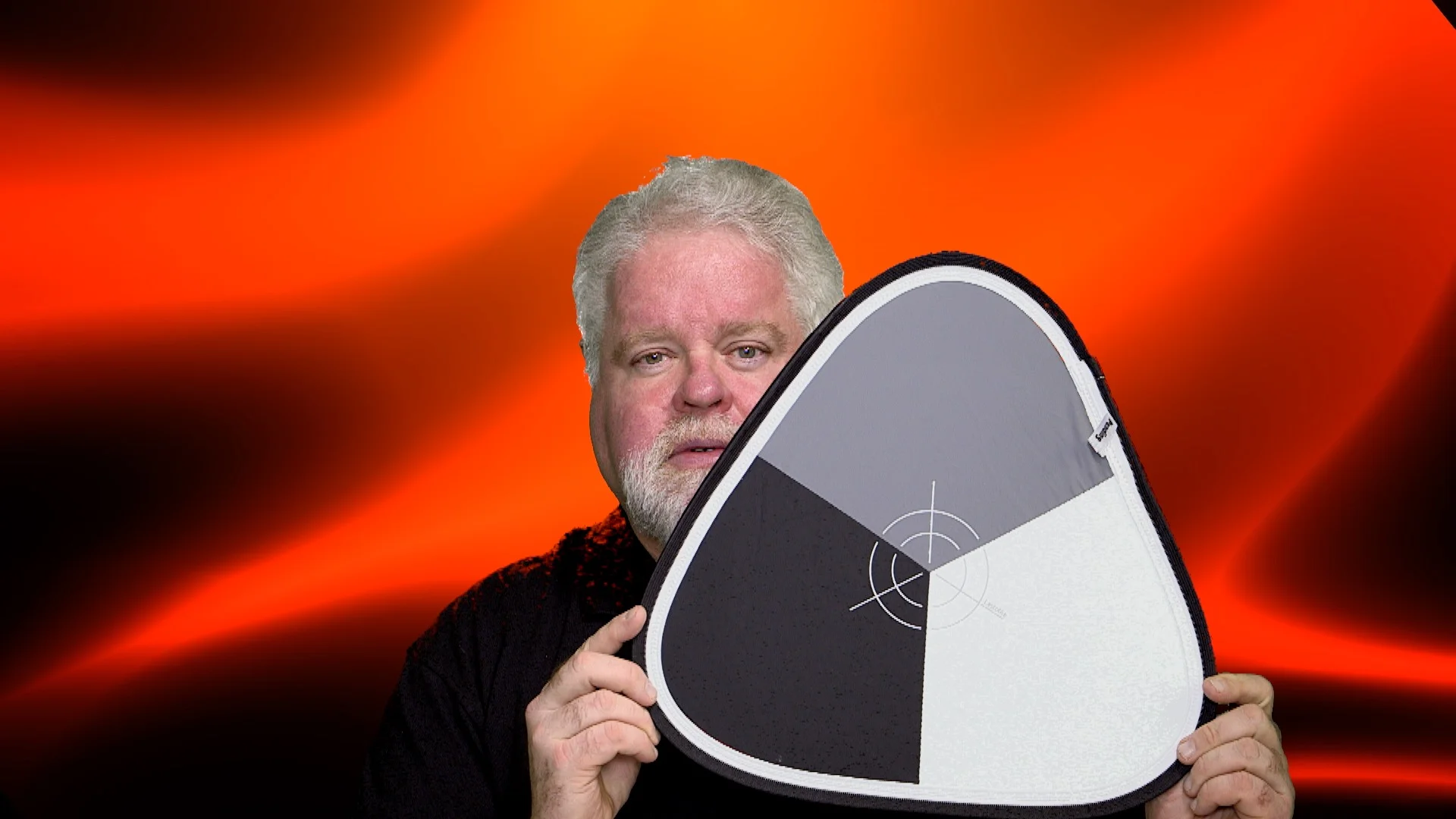
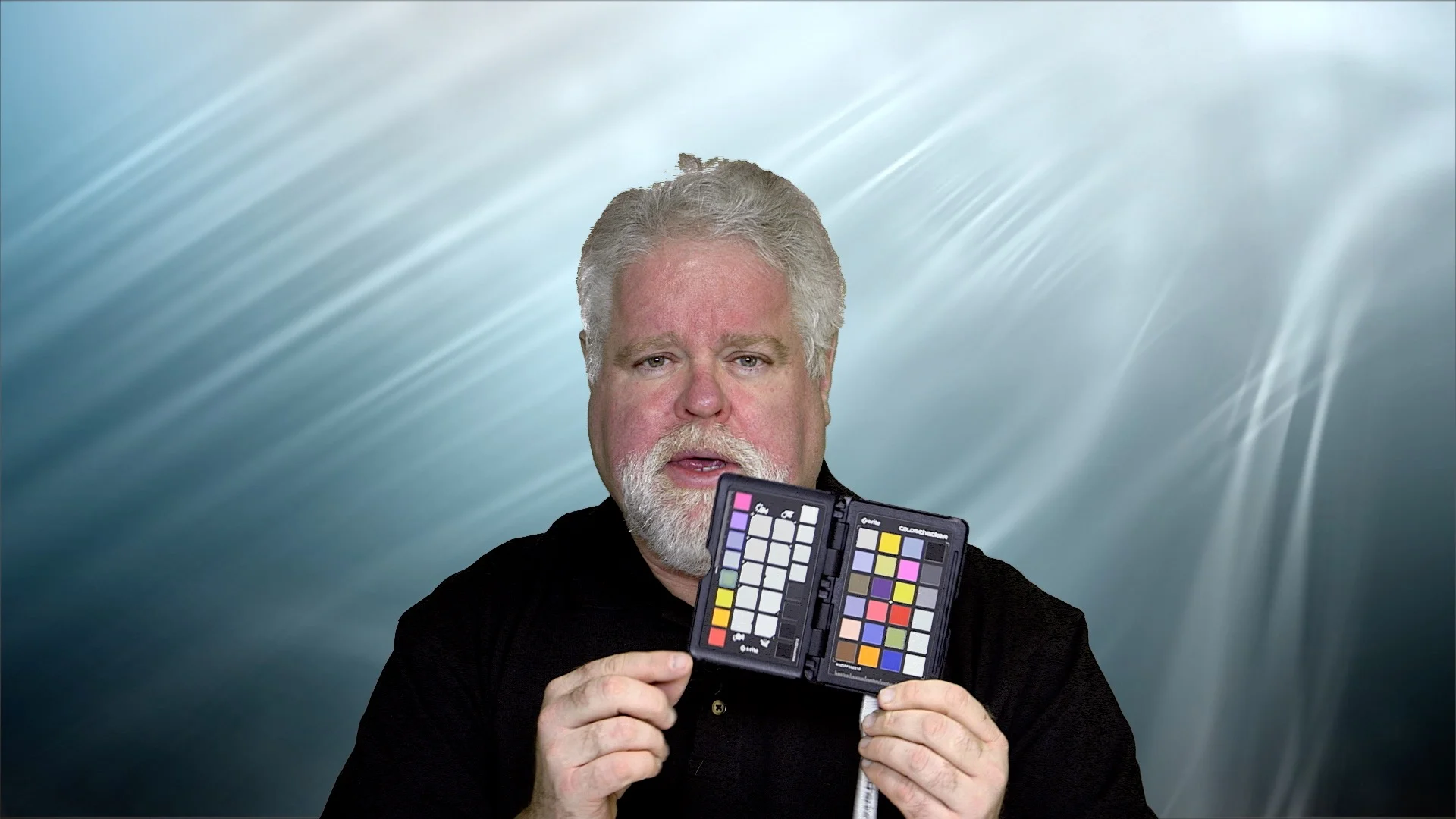
Barely a week can go past without hearing the same complaint and concern from developing photographers.  "My pictures look different on xx than on my screen.  Be the xx representative of another display, a web service, a mobile device, a TV, a different computer or a print, the complaint is the same.  Let's solve this issue.

Read More